
PIÑATA CASINO · SPAIN
Using Piñata Casino on iPhone and Android
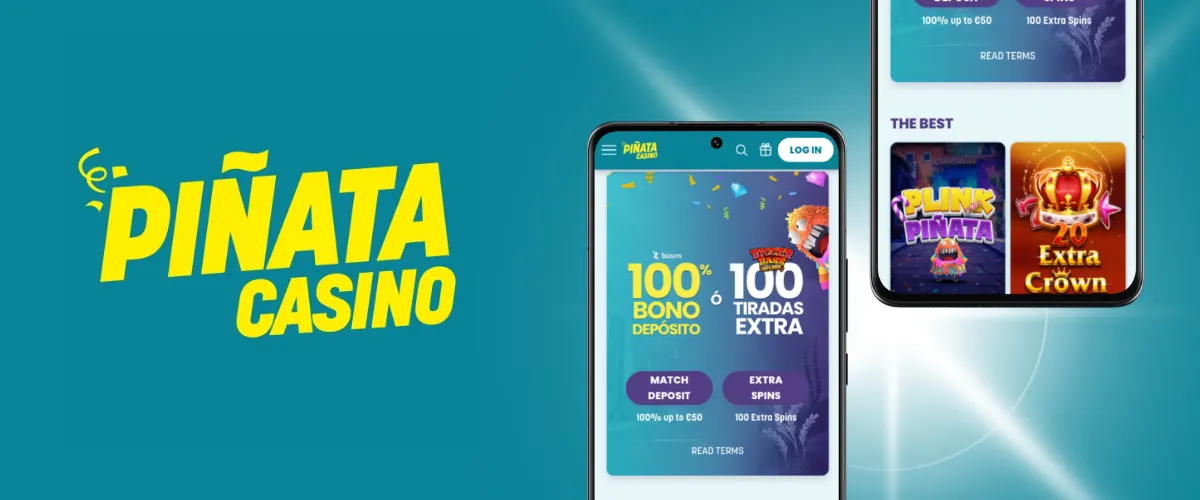
Piñata Casino offers an iPhone and Android app as well as mobile browser access. Look for Piñata Casino y Slots and the Paf group developer when identifying the download. The iPhone listing reviewed requires iOS 18 or later. Moving between devices does not change your account limits, verification requirements or withdrawal conditions.
On this page
Choosing an access method
The app brings the lobby, account and promotions into a dedicated entry point. A browser is useful when you prefer not to install software, need to read bonus terms or want to review a pending request. Neither method creates a separate account: use your existing credentials and avoid starting another registration.
| Access | Main requirement | Practical use |
|---|---|---|
| iPhone app | iOS 18 or later in the reviewed listing | Dedicated access and Face ID when enabled |
| Android app | Compatibility shown in Google Play | Store installation and updates |
| Mobile browser | Updated browser and stable connection | Access without installation |
| Desktop browser | Updated browser | More room for rules and filters |
This English guide covers the Spanish product. Changing the guide language does not change the applicable market or the euro amounts shown throughout the site.
Download through Piñata’s app page
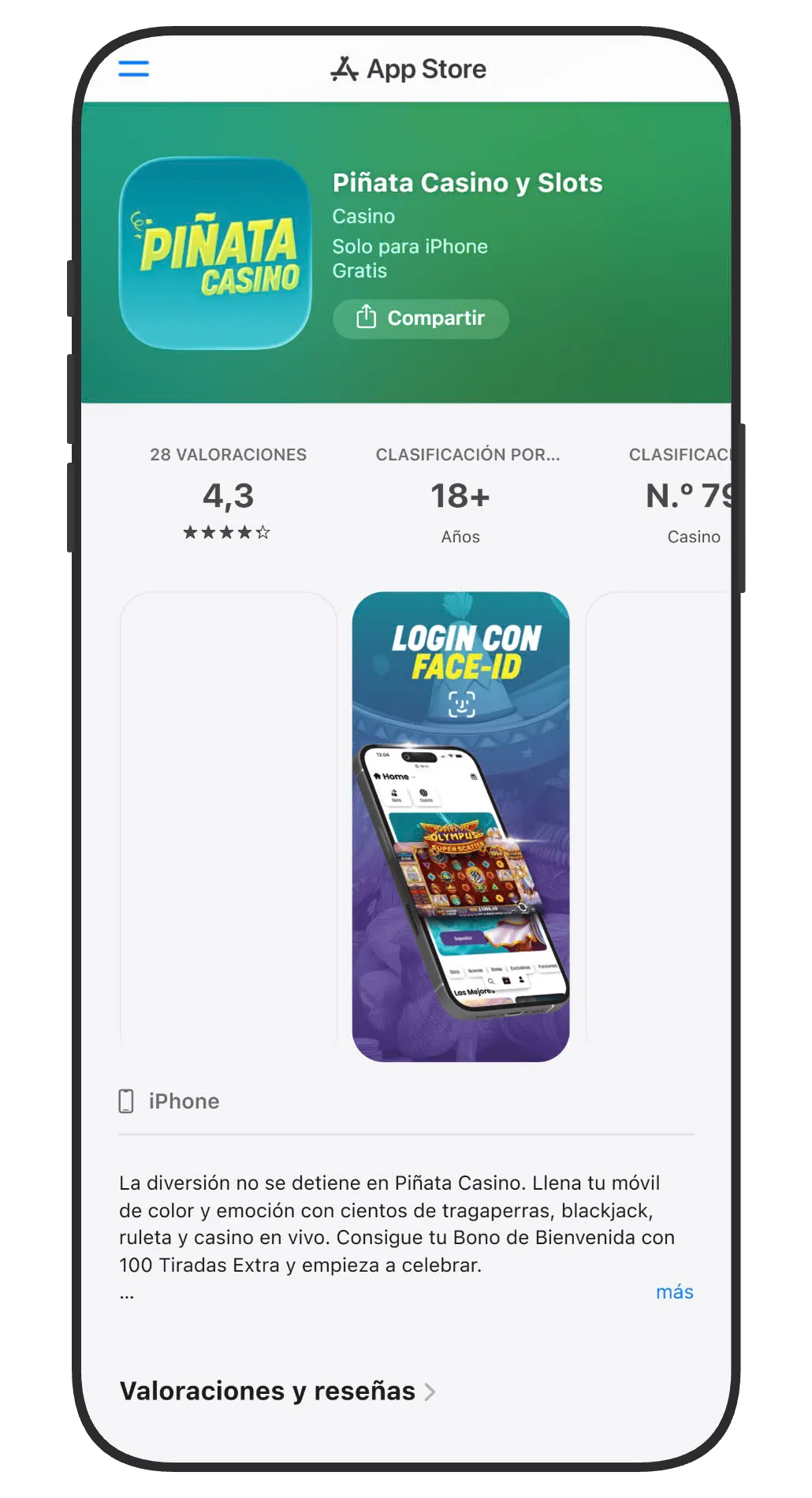
Start with the Piñata Casino app page. Its buttons lead to the relevant stores and help distinguish the app from unrelated products using a similar name. The group developer appears as Ålands Penningautomatförening, with spelling variations between stores.
On iPhone
- Open the App Store link from the official app page.
- Check the app name, developer and compatibility with your iOS version.
- Install it and open the app from its icon.
- Sign in to your existing account, or follow registration if you do not have one.
- If you enable Face ID, retain a secure account recovery method.
The iOS listing is designed for iPhone. An iPhone download should not be treated as evidence of a separate iPad or macOS application.
On Android
Use the Google Play link on the same official page and read the compatibility information shown for your device. A generic search for “Piñata APK” may lead to unrelated copies; a third-party installer is unnecessary when following the download route advertised by the brand.
Featured games
Read guide →
Gates of Olympus 2500 0,20-240Gates of Olympus 2500
0,20 €
Pirots 5 0,20-100Pirots 5
0,20 €
Langley Street 23 0,20-100Langley Street 23
0,20 €
Wrappin' More Gold 0,20-100Wrappin' More Gold
0,20 €
Amazing Link Apollo 0,20-50Amazing Link Apollo
0,20 €
El Bandido Explosivo 2 0,10-50El Bandido Explosivo 2
0,10 €
Fire Blaze: Blue Wizard 0,10-500Fire Blaze: Blue Wizard
0,10 €
Book of Dead 0,01-100Book of Dead
0,01 €
Finding games on a smaller screen
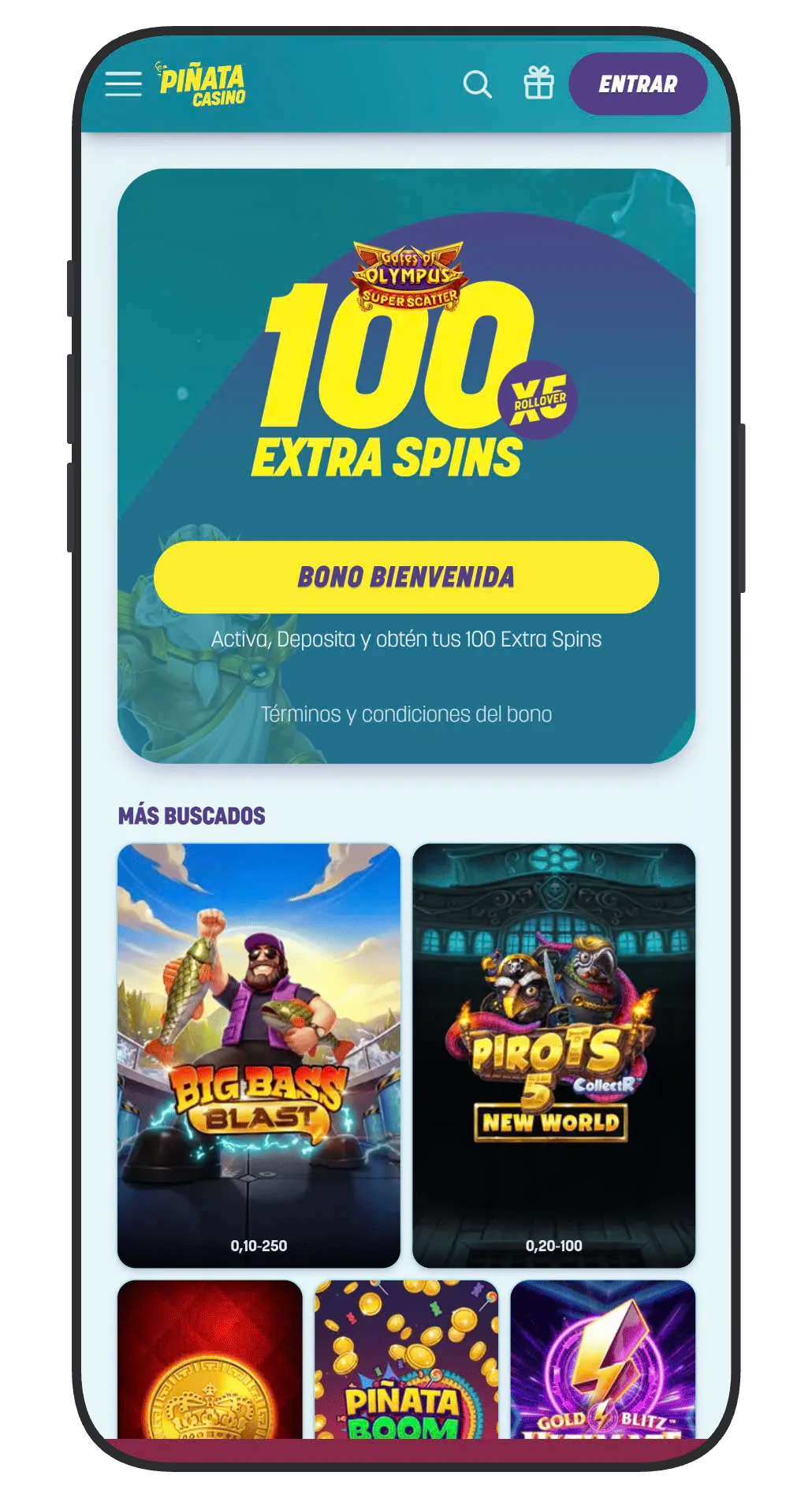
Slots, Casino, Bonuses and Puntos Piñata follow the same basic navigation as the website. Search for the full name when looking for a specific version: Gates of Olympus Super Scatter, Gates of Olympus 1000 and Gates of Olympus 2500 are different games. The same applies to the Big Bass family. A series thumbnail does not replace the rules of the game you actually open.
Live casino games depend on both video streaming and the transmission of bets. If the connection drops, check the round history before repeating an operation. First Person roulette and other RNG versions differ from studio broadcasts, even when their thumbnails look similar.
On a small screen, open the table information first, check the selected stake and locate the sound, display and exit controls. There is no need to make a deposit merely to see whether the navigation displays correctly.
Verification, payments and limits on mobile
Installing the app does not remove identity checks. An account must complete the required verification before withdrawals, and a payment method must belong to its account holder. If you photograph a document, use the secure upload route specified by the operator and make sure its required information and edges are legible.
Payment methods can be temporarily unavailable even when your phone supports them. Apple Pay availability, for example, depends on the casino’s integration and service status, not merely on having a card in Wallet. Check the cashier before choosing a method.
Deposit and loss limits apply to the account and relevant group. Moving between the app and browser, signing out or switching phones does not reset them. Responsible gambling controls remain relevant throughout mobile use.
Fix errors without duplicating transactions
| Issue | First check | Next step |
|---|---|---|
| App will not install | System version and free storage | Read store compatibility information |
| Sign-in fails | Email and password, without added spaces | Use account recovery |
| Game does not load | Connection and current app version | Record the game and error time |
| Payment is pending | Cashier history and bank status | Clarify the status before repeating a charge |
Update through the store, sign out on shared devices and protect your phone with a screen lock. If an error persists, give support the model, operating system, app version and exact message. These details are more useful than simply saying that it “does not work”. Never send passwords or one-time codes.
This guide covers Piñata’s app and web access for Spain. Check the developer and open the store through the Spanish operator’s link; a similarly named app does not establish that it belongs to the same platform. Your phone’s language does not change account requirements.
Frequently asked questions
Does Piñata Casino have an official app?
Yes. The brand’s app page links to iPhone and Android downloads under Piñata Casino y Slots. Also check the Paf group developer.
Which iPhone do I need?
The listing reviewed requires iOS 18 or later. Check current App Store compatibility before installing.
Can I use it without a download?
Yes. An updated mobile browser provides access to the same account.
Do I need another account for the app?
No. Use your existing account; installing the app does not require a second registration.
Does the app make withdrawals faster?
Your device does not remove verification checks or payment processing times. Review the request status in the cashier.