
PIÑATA CASINO · SPAIN
Sign in to Piñata Casino or recover account access
To sign in to Piñata Casino, open the authorised website or official app and select the login option using your account credentials. If you forgot your password, start recovery from the same screen. An incorrect password, pending verification and an account suspension require different solutions; creating another account does not resolve them.
On this page
Access through the website or app
- Check that you are on pinatacasino.es or in the official Piñata Casino y Slots app.
- Select Entrar, the login option, and complete the requested fields.
- Check typing errors, extra spaces and the account saved by your browser.
- Complete an additional check if the platform requests one.
- Confirm that the profile belongs to your account before opening the cashier.
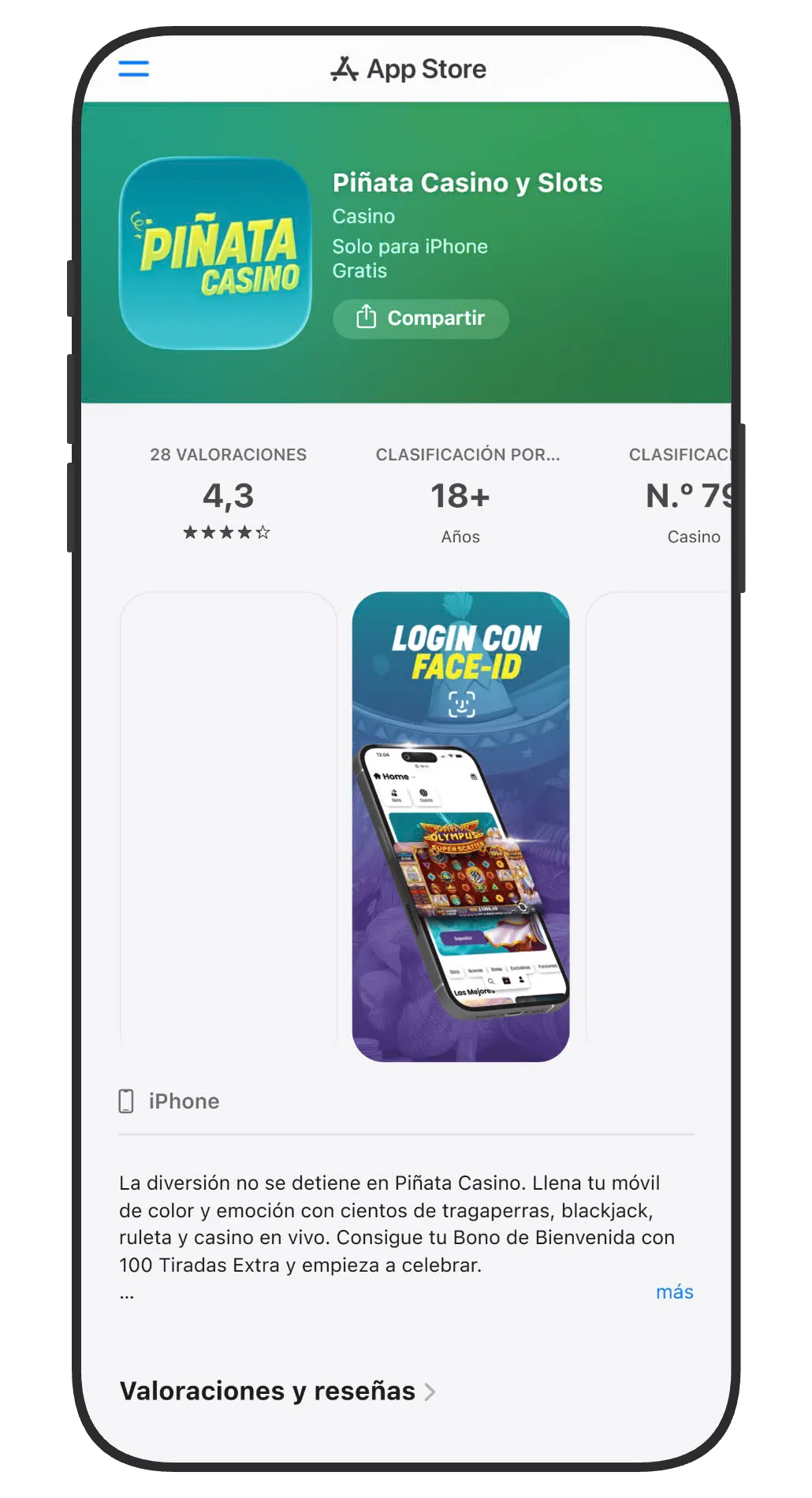
On a phone, you can sign in through the browser without installing anything. If you use the app, update it through the official store and protect the device lock. Available biometric sign-in simplifies later access but does not replace account ownership or remove security checks.
Avoid message links that promise unexpected prizes and ask for a password. This site’s domain, casino-pinata.com, provides information about the platform; it is not the form that stores your gaming credentials. The security page explains the distinction between the brand, operator and authorised domain.
Recover a forgotten password
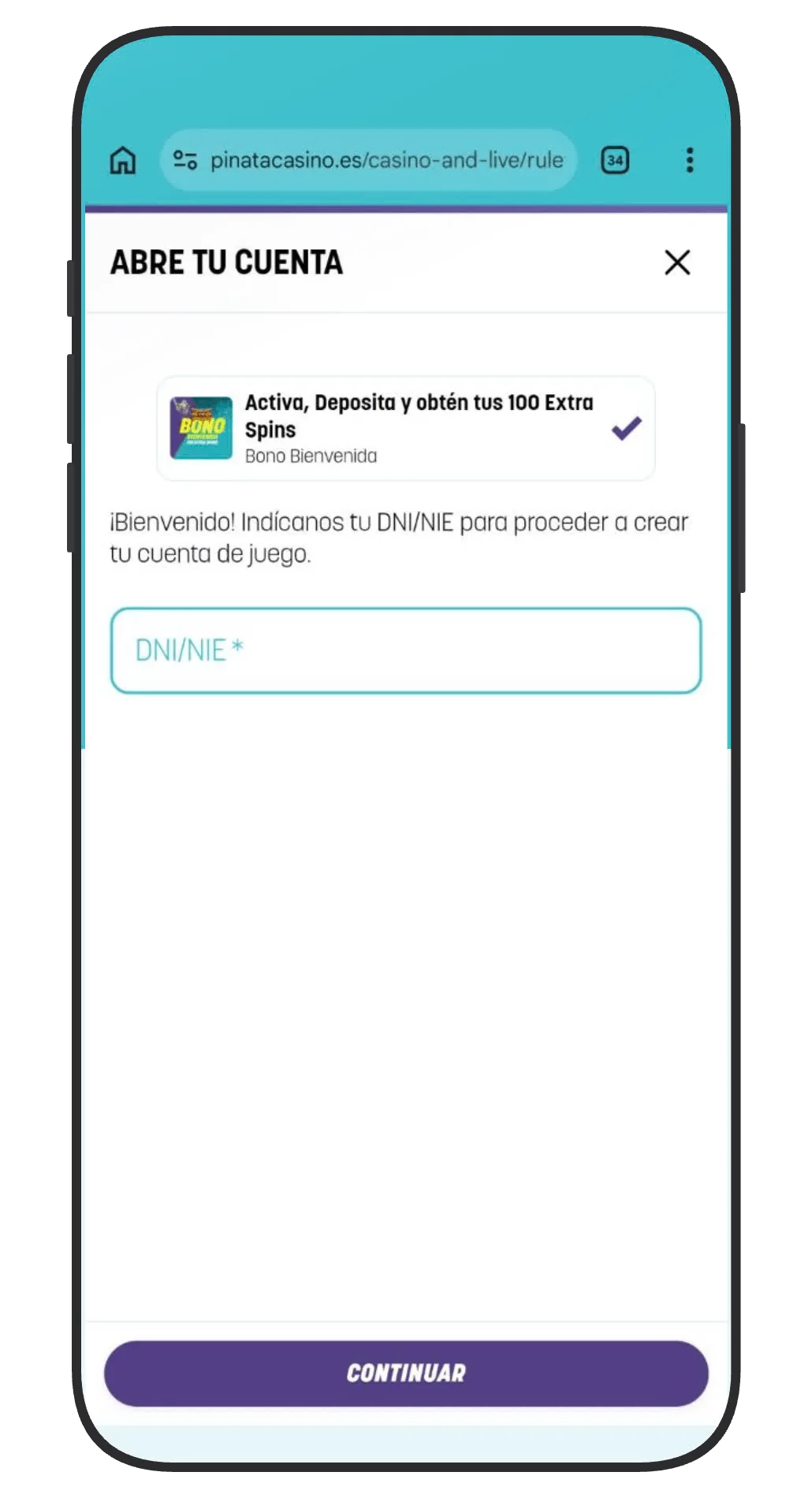
Use the recovery option alongside the login form. Enter the email or identifier requested by the procedure and check the inbox associated with the account. If a reset link arrives, confirm that it belongs to the recovery process you just initiated before opening it.
Choose a new, unique password. Do not reuse one exposed on another service or send it through chat. A password manager can reduce mistakes and distinguish credentials for different brands. If the browser continues filling in the old password, update its saved entry after completing the change.
If you no longer have access to the registered email, contact support to establish ownership and follow the update procedure. Registering the same DNI with a different email to duplicate the account is not an appropriate solution.
Pragmatic Hits
Read guide →
Gates of Olympus Super Scatter 0,20-360Gates of Olympus Super ScatterPragmatic Play
Big Bass Splash 0,10-500Big Bass SplashPragmatic Play
Big Bass Vegas Double Down Deluxe 0,10-250Big Bass Vegas Double Down DeluxePragmatic Play
Gates of Olympus 2500 0,20-240Gates of Olympus 2500Pragmatic Play
Gates of Olympus 1000 0,20-400Gates of Olympus 1000Pragmatic Play
Big Bass Bonanza 0,10-250Big Bass BonanzaPragmatic Play
Sweet Bonanza 2500 0,20-240Sweet Bonanza 2500Pragmatic Play
Sugar Rush 1000 0,20-500Sugar Rush 1000Pragmatic Play
Common errors and the appropriate next step
| Message or situation | Possible cause | Useful action |
|---|---|---|
| Incorrect credentials | Typing error or old password | Check the details and use recovery |
| Email does not arrive | Wrong inbox, filtering or delay | Check spam and the associated address |
| Identity verification requested | Outstanding account check | Complete the profile’s document procedure |
| Account suspended | Security or protection control | Read the notice and contact support |
| Session closes | Expiry, connection or update | Sign in again and check history before repeating transactions |
The exact message is more helpful than simply saying “it does not work”. Note when it appears, whether it affects web or app, and the device involved. Do not include passwords, banking codes or full identity documents in a screenshot shared outside the secure support channel.
If the issue occurs only in the app
Check for an official update and confirm that your operating system meets the requirements. Trying the browser can help distinguish an application issue from an account issue. Do not download an APK from an unknown website or disable security controls to force access.
Piñata access is not interchangeable with every Paf brand
Group brands may recognise an already verified identity, but that does not make every login screen Piñata’s. Confirm the brand and the email linked to the profile. If the registration process recognises your identity document, follow its confirmation procedure instead of opening an additional account.
Shared limits and protection measures continue to apply. If the account is self-excluded or suspended, consult responsible gambling information or operator support. Password recovery does not remove that type of restriction.
After recovering access
Review contact details, any sessions or devices the account lets you inspect, and transaction history. If you find an unfamiliar transaction, contact support and secure the associated email as well. Regaining the password does not itself explain an earlier movement.
Before repeating a deposit or withdrawal interrupted by a session ending, check its status. Losing a connection does not establish that a transaction failed. For money movements, keep the reference and consult the payment or withdrawal guide.
On a shared device, sign out when finished and avoid saving credentials. Operator chat agents are available from 09:00 to 00:00, and [email protected] is the account communication email; messages sent outside staffed hours may receive a later response.
Frequently asked questions
Where is the official Piñata Casino login?
On pinatacasino.es using Entrar and in the official Piñata Casino y Slots app. Check the domain and brand before entering credentials.
What should I do if I forgot my password?
Start recovery from the official login form, check the associated email and create a unique password. If you no longer control that email, contact support.
Can I sign in on a phone without installing the app?
Yes. The mobile browser provides website access. The app is an alternative, not a requirement for checking the account.
Does changing the password fix a blocked account?
Only when the problem concerns credentials. Identity, security and responsible gambling restrictions require the relevant procedure.
Should I repeat a payment if my session closes?
Check transaction history and payment status first. A session ending does not mean the transaction was cancelled.